Redesigning the Pricing Page for an AI Launch
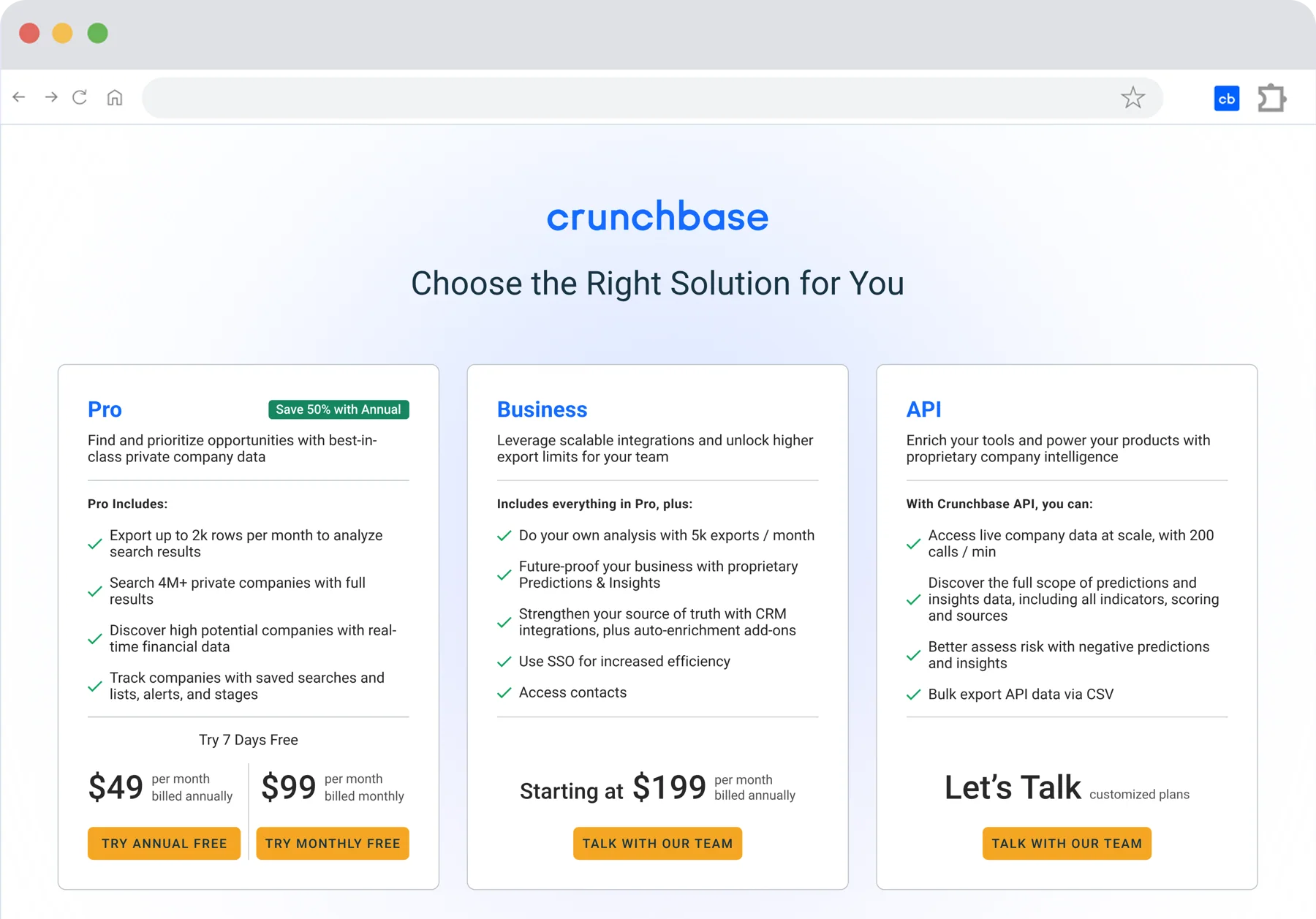
Ahead of an AI launch, Crunchbase’s pricing page still asked three different buyers to choose between two plans. In one week, I rebuilt it around one card per buyer, with a clear starting price for sales.

- 2.5xhigher average spend per seat
- 70%more qualified sales leads
- No dropin self-serve Pro trials, so sales gains didn’t cost self-serve
01Problem
The Opportunity
Crunchbase was preparing to launch AI-powered Predictions & Insights, and the pricing page wasn’t built to sell it. The existing lineup mixed two different buyers into one plan: enterprise teams who wanted workflow features like CRM integrations and bigger exports, and technical buyers who just wanted API access. A $49 Pro plan would have undervalued the new AI capability. And there was no clean split between customers who could try the product on their own and customers who needed to talk to sales.
02Insight
Three Buyers, Three Jobs
Crunchbase’s customer research already described users by the jobs they hire it for, like prospecting for sales or finding the next investment. I used that Jobs to Be Done lens on the pricing page and asked what each buyer was hiring a plan to do. Three different buyers came out of it:
- ProFind and act on opportunities themselves, without waiting on a sales conversation.
- BusinessOperationalize the same data inside tools they already use: CRM, exports, a dedicated point of contact.
- APISkip the UI entirely and get the raw data to build with.
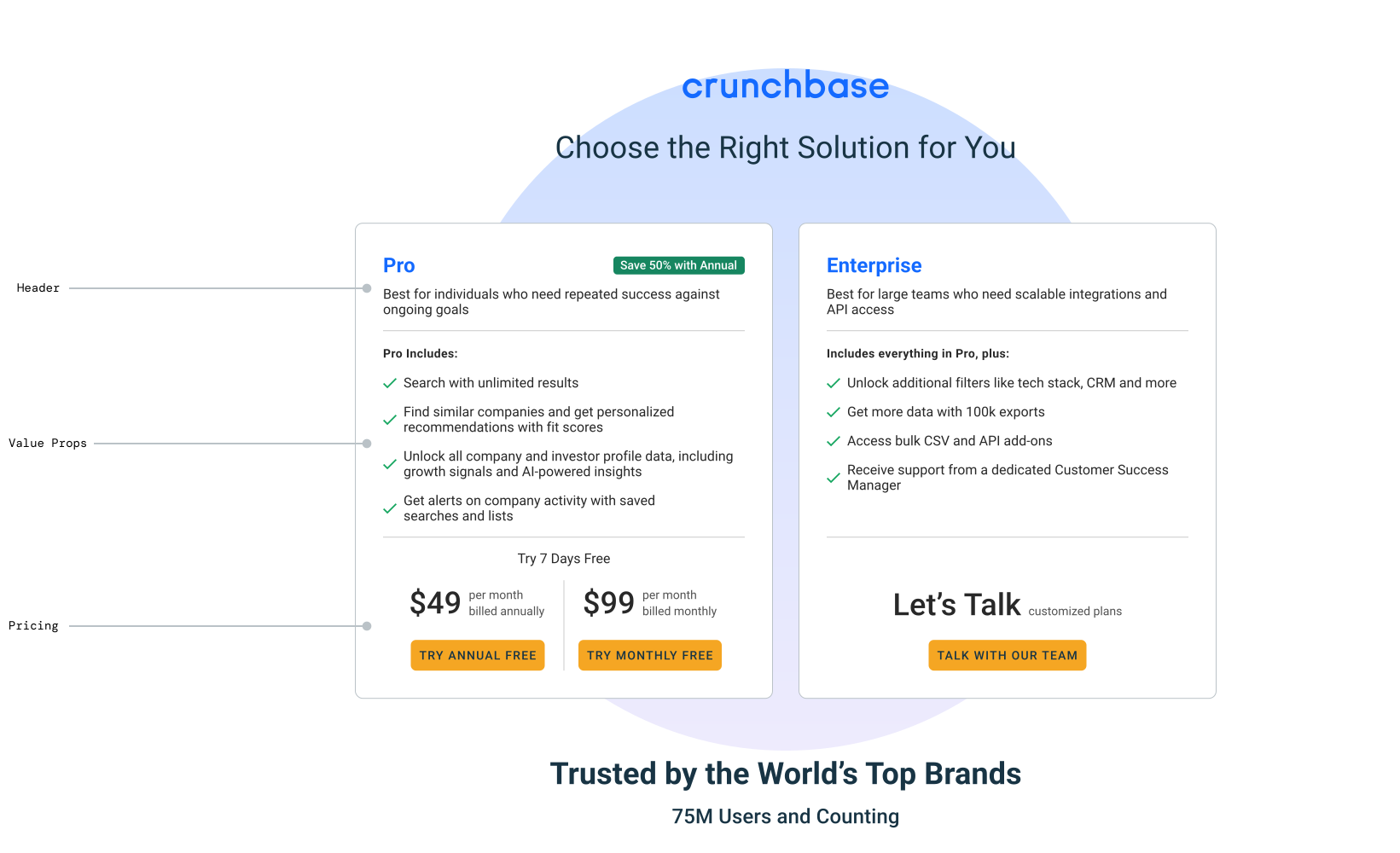
The existing page had two cards, Pro and Enterprise, that didn’t separate any of this.
03Design decisions
One Card, One Job
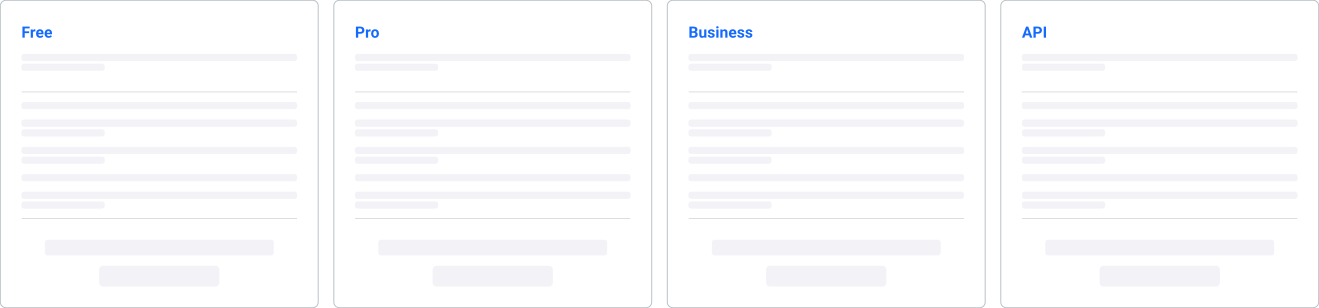
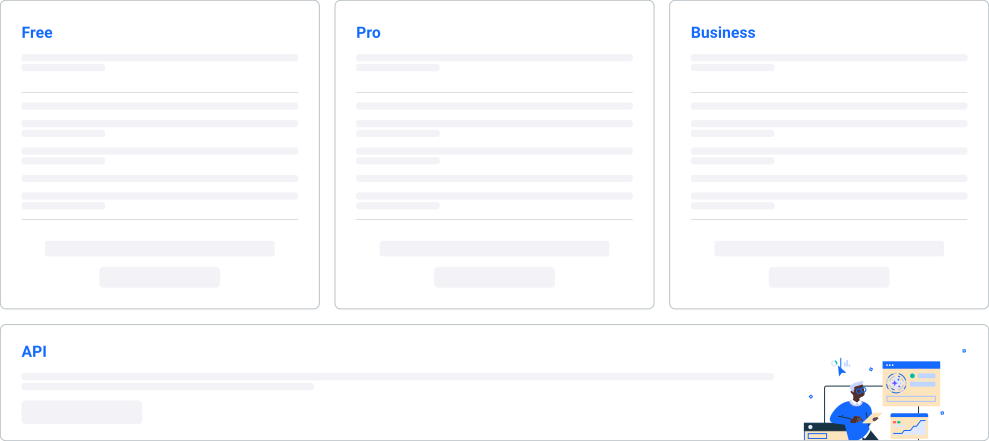
I explored adding Free and Business as their own cards, then tried splitting API out on its own, but both versions asked every buyer to compare features across four cards instead of recognizing their own job on the page, and both still needed Free to run through its own experiment, which there wasn’t time for.
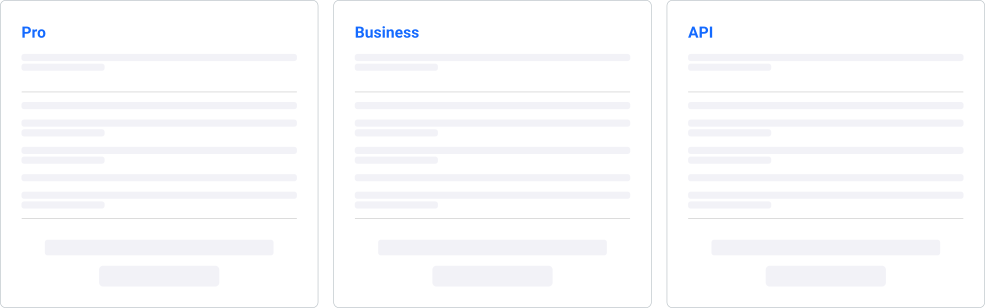
I landed on three cards, Pro, Business, and API, one per job, and the fewest variables that still let me ship Business before launch.
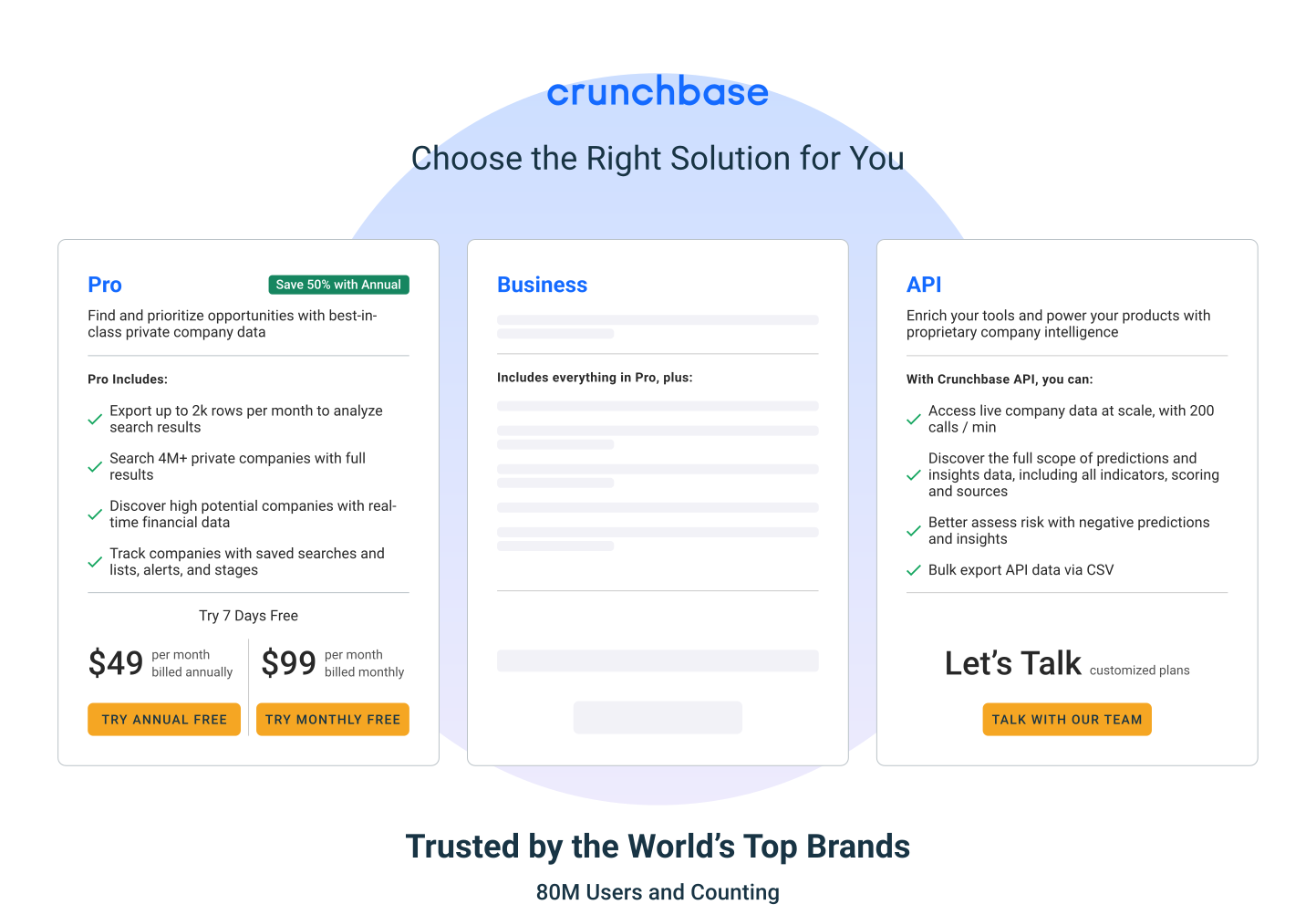
Hypothesis: if we show a starting price on Business, customers will understand the cost and choose the right plan more often, because knowing how something is priced isn’t the same as knowing what it costs.
There wasn’t time for a real A/B test, so I built an AI-simulated gut check instead: 15 simulated SMB sales leads per version, each playing a persona leading a team of six and choosing a plan to recommend to their CEO. One version priced Business by team size, the other led with a $199 starting price.
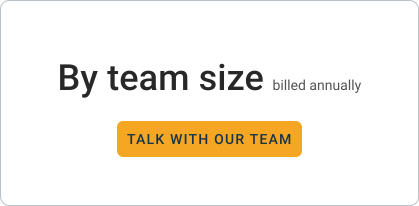
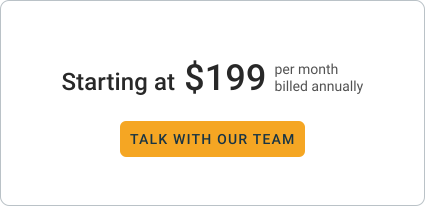
The starting-price version came out ahead. More leads talked to sales, fewer left without choosing. Directional, not proof, but enough to commit.
05Design decisions & influence
Fewer Steps to Sales
Booking a sales call wasn’t a product-owned goal; the product team didn’t track it. But the journey started on a product-owned page, so I took on the handoff too.
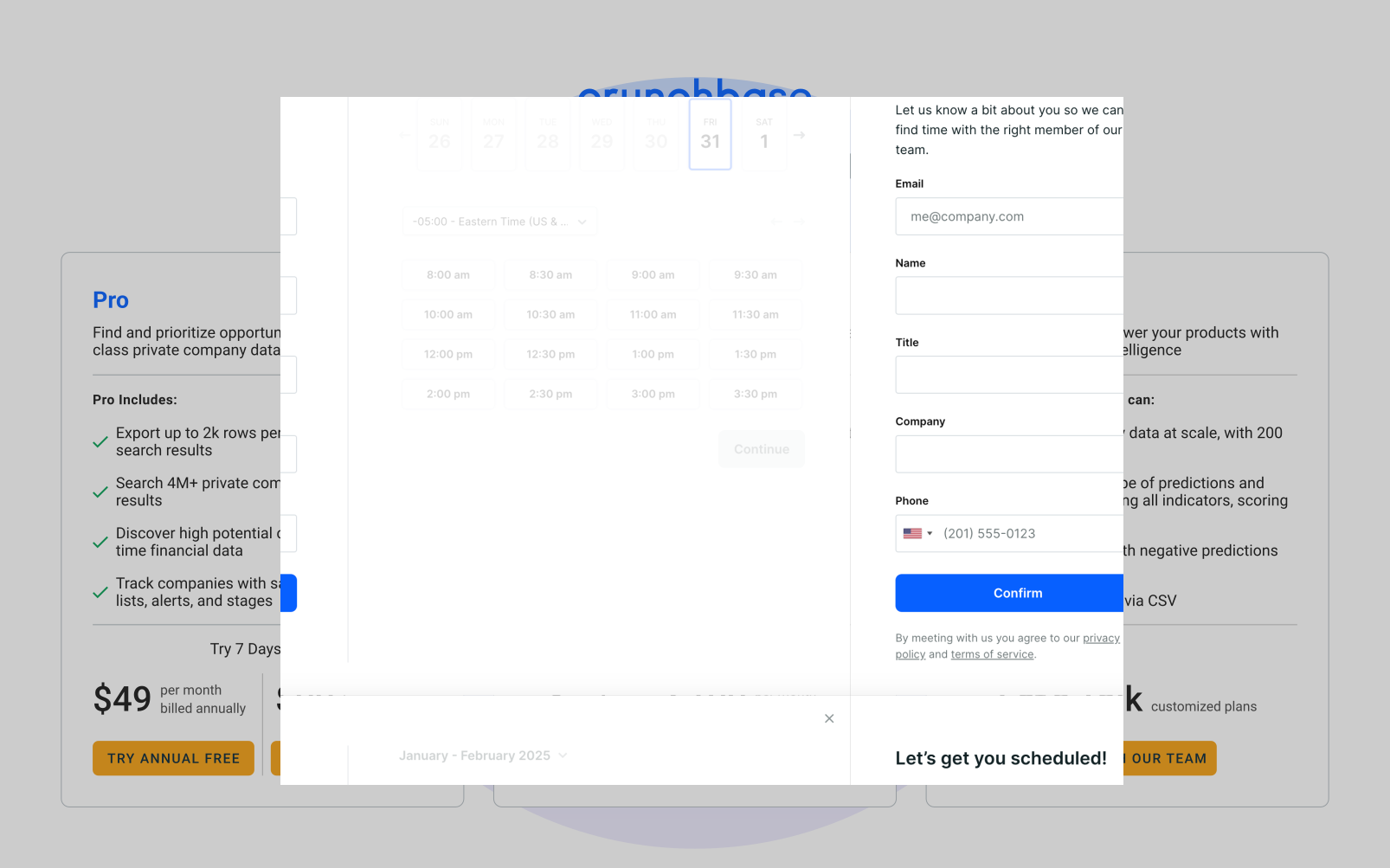
A clear starting price meant more customers were ready to talk to sales right away, so the next step had to be just as fast. I pushed to keep that momentum on the page itself rather than routing people to a separate scheduling page: “Talk With Our Team” now opens a scheduling modal on the pricing page, where customers share a few details and book a time on the spot.
06Impact
What It Led To
In a one-quarter pre/post test, the new lineup brought in more sales demand and higher spend, without costing self-serve.
Average spend per seat rose 2.5x and qualified sales leads rose 70%, as customers could see which plan fit them. Pro trials showed no statistically significant difference, so the sales gains didn’t come at the cost of self-serve.
07Reflection
What I’d Test Next
I pushed for a fourth card, a free trial on the left, so Pro and Business would share the middle of the page.
With three cards, Business sat in the middle, where customers lean, but it was the highest price and not even self-serve. A free trial card would have shifted that weight toward Pro. It needed its own experiment, which there wasn’t time for before launch, so it’s the first thing I’d test.
I’d also move the buttons higher, especially on mobile. Each card’s button sits below its full feature list, so on a phone you scroll past every feature before you reach a button.
Next case study
 Crunchbase
Redesigning the Cancellation Flow for Click-to-Cancel Compliance
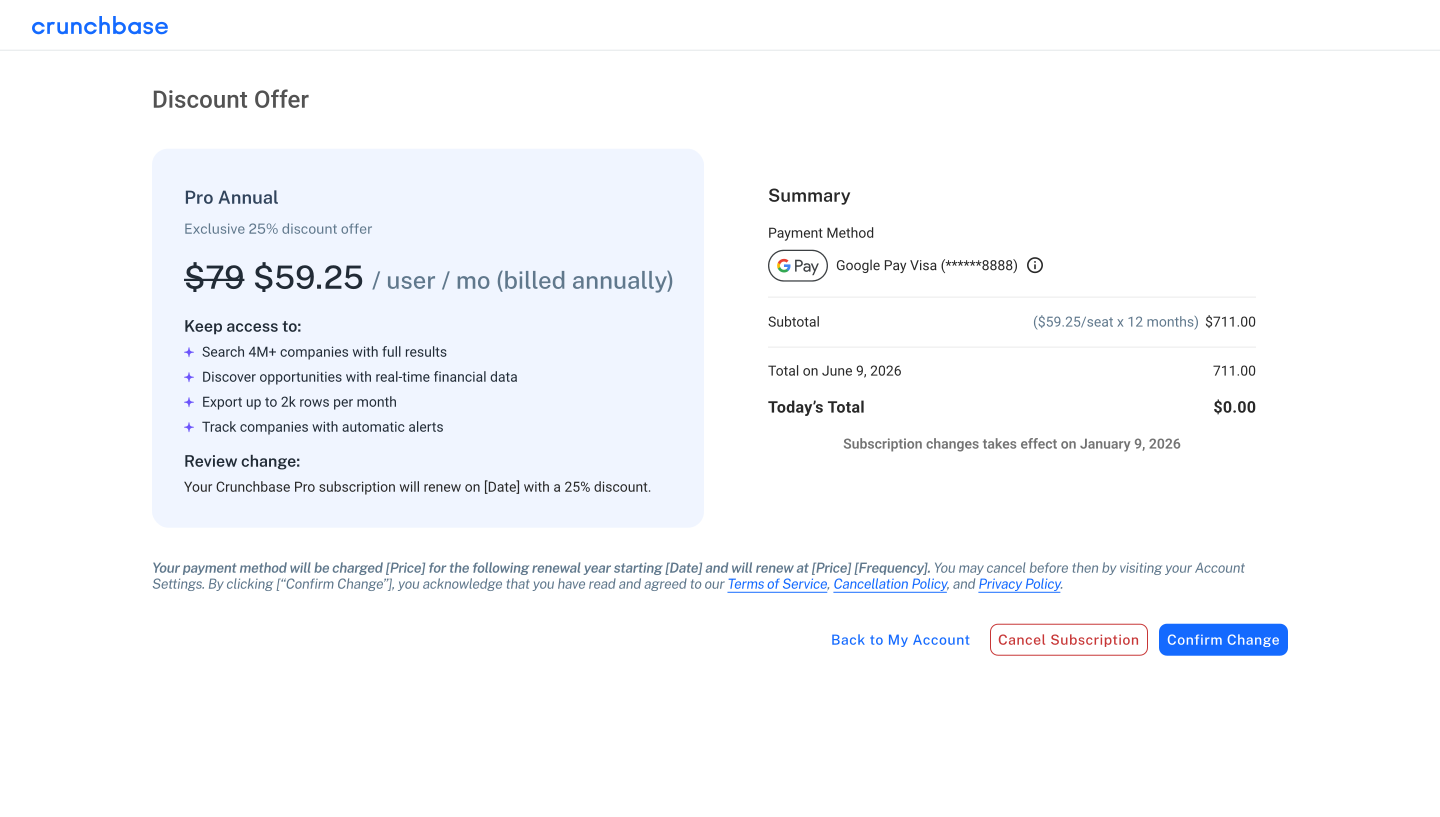
A dark pattern became an honest 25% offer. 11% saved, up from a fake 3%.
Read the case study
Crunchbase
Redesigning the Cancellation Flow for Click-to-Cancel Compliance
A dark pattern became an honest 25% offer. 11% saved, up from a fake 3%.
Read the case study